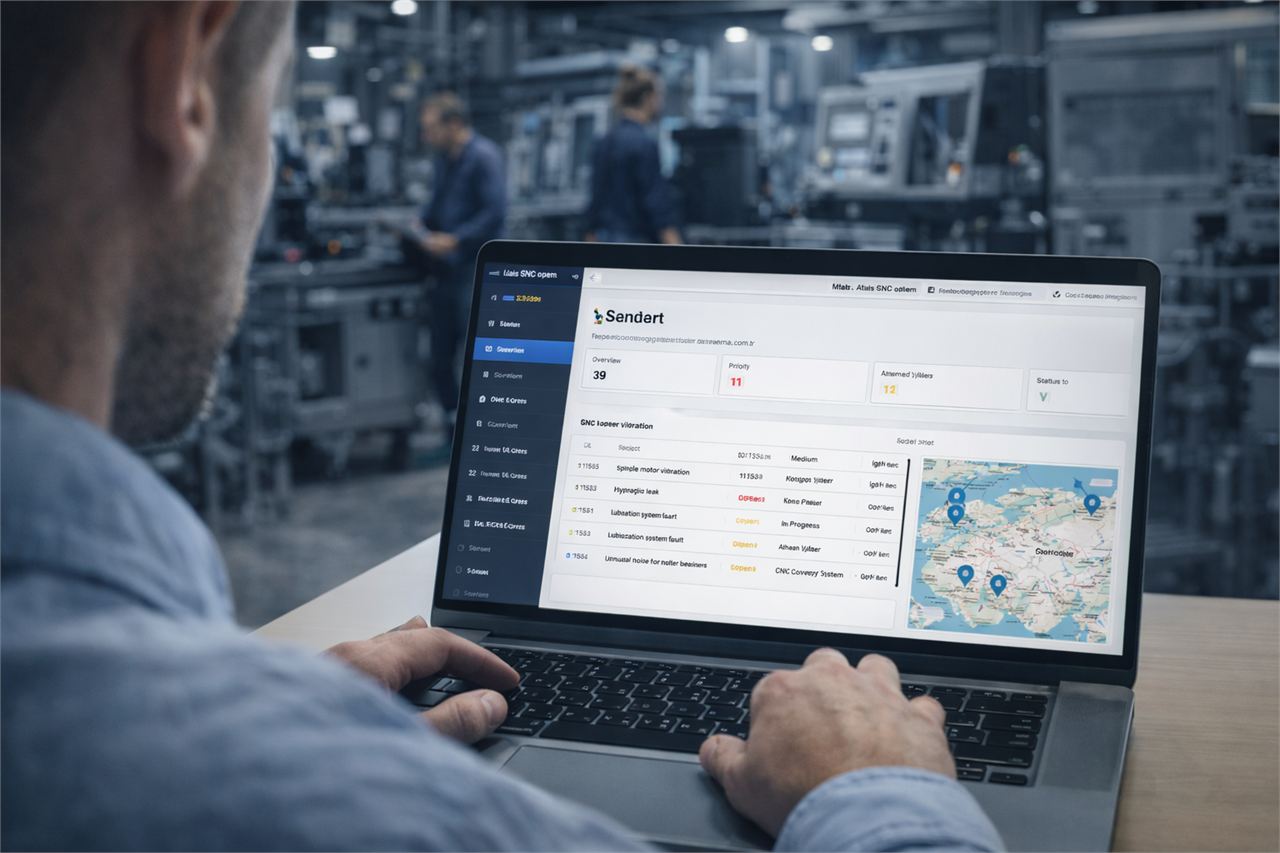
One record per machine
Store incidents, service visits, part usage, root-cause notes and file evidence in the same asset profile.
Keyword Landing
maint.works is CMMS software and maintenance management software for industrial teams that need to control maintenance backlog, standardize work order flow, coordinate mobile execution and keep KPI visibility in one system.
Quick navigation
What you control
Store incidents, service visits, part usage, root-cause notes and file evidence in the same asset profile.
The platform supports real operational work order flow instead of acting like a passive maintenance log.
Extend CMMS coverage with technician assignment, mobile service updates and QR-based issue reporting.
CMMS software should surface backlog age, MTTR, repeat failures and work order cycle time, not just store data.
maint.works connects CMMS with field service management so maintenance teams and service crews share the same asset history.
Learn more in Plans or Trust Center.
Maintenance Backlog
If you are searching for CMMS for maintenance backlog, the key is a workflow that combines queue visibility, work order ownership, SLA logic and field feedback in one operating model.
Split tickets by production impact, SLA risk and repeat-failure probability before assigning resources.
Every backlog line should become an owned work order with deadline, status and closure criteria.
Mobile work updates keep planners synced with real field status and prevent stale backlog reporting.
Schedule recurring tasks, reminders and approvals so preventive work does not get lost in the backlog.
Create, assign and close jobs with root-cause analysis and parts used captured automatically.
Track MTTR, MTBF, backlog and repeat failures in one dashboard with export options.
A system that centralizes asset history, preventive maintenance, service records and work order execution.
Most of the time, yes. Maintenance management usually includes the CMMS core plus reporting and operational workflows.
Maintenance teams, technical service operations and machine-intensive facilities needing backlog control.
NEXT STEP
Use maint.works to manage assets, work orders, field tasks and KPI reporting in one industrial maintenance platform.